
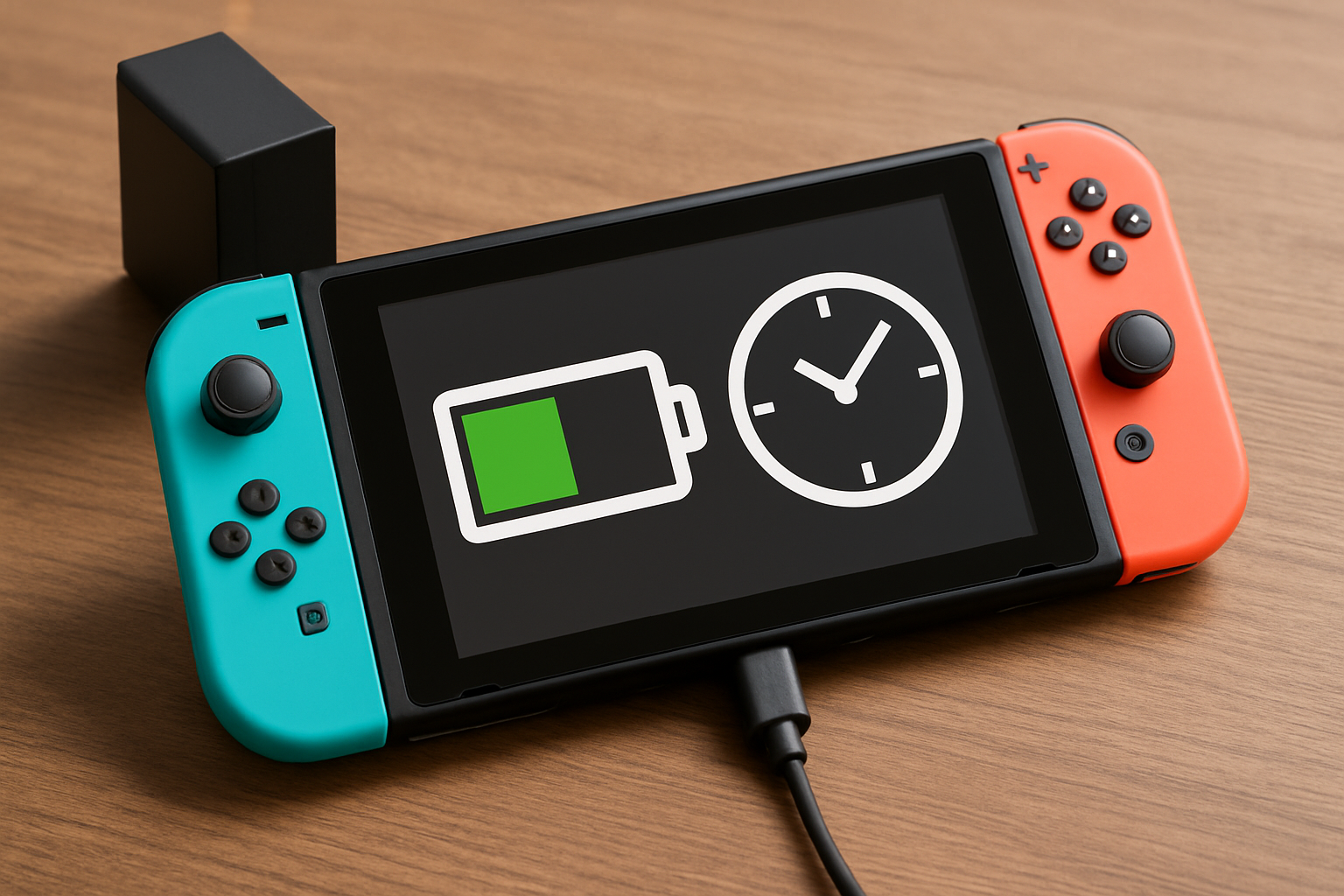

⚡ Quick Answer: Nintendo Switch Charging Time
Whether you’re dealing with a dead battery mid-session or planning your gaming schedule, knowing exactly how long your Switch needs to charge is crucial. Here’s everything you need to know about Nintendo Switch charging times, from the fastest methods to troubleshooting slow charging issues.
🔋 Charging Times by Nintendo Switch Model
| Model | Full Charge Time | Minimum Boot Time |
|---|---|---|
| Original Nintendo Switch | ~3 hours (idle) | 10-15 minutes |
| Nintendo Switch OLED | ~3 hours (idle) | 10-15 minutes |
| Nintendo Switch 2 | ~3.5 hours (estimated) | 10-15 minutes (estimated) |
The upcoming Nintendo Switch 2 is expected to take slightly longer due to its larger battery capacity, but Nintendo has optimized the charging system to keep wait times reasonable.
⏱️ What Affects Your Switch’s Charging Speed
Console Activity During Charging
⚡ Fastest: Switch completely powered off
🌙 Fast: Sleep mode (recommended for most users)
🎮 Slower: Active gaming while plugged in (can take 4-6 hours)
Gaming while charging significantly extends charging time because your Switch is simultaneously consuming and receiving power. Intensive games like The Legend of Zelda: Tears of the Kingdom or Super Smash Bros. Ultimate can actually drain the battery faster than it charges with some third-party chargers.
Charger Quality Matters
Your charging speed heavily depends on what you’re plugging into:
- Official Nintendo AC adapter (HAC-002): Optimal 3-hour charging
- USB-C laptop chargers: Usually work well (45W+ recommended)
- Phone chargers: Much slower, may not charge during gaming
- Power banks: Variable speed depending on output capacity
📱 Understanding Your Battery Indicator
When your Switch is completely dead, you’ll see a battery icon with a lightning bolt once you plug it in. Here’s what to expect:
Pro tip: Your Switch needs at least 1% battery (about 10-15 minutes of charging) before it can power on. Don’t panic if nothing happens immediately when you plug in a completely dead console.
The battery percentage appears in the top-right corner when the system is on. During charging, you’ll see a small lightning bolt next to the percentage.
🔋 Battery Life After Full Charge
Once your Switch is fully charged, here’s what you can expect:
Gaming Performance by Model
- Original Switch: 2.5-6 hours (depends heavily on the game)
- Switch OLED: 4.5-9 hours (improved efficiency and larger battery)
- Switch 2: Expected 6-12 hours (larger battery capacity)
Games That Drain Battery Fastest
Not all games are created equal when it comes to battery consumption:
⚡ High Drain Games
- The Legend of Zelda: Tears of the Kingdom
- Super Smash Bros. Ultimate
- Mario Kart 8 Deluxe
- Splatoon 3
🔋 Battery-Friendly Games
- Animal Crossing: New Horizons
- Stardew Valley
- Indie puzzle games
- Visual novels
💡 Best Charging Practices for Longevity
Optimal Charging Habits
Here’s how to keep your Switch battery healthy for years:
- Charge when battery hits 20-30%: Don’t wait until it’s completely dead
- Unplug when fully charged: While modern batteries handle overcharging well, it’s still good practice
- Use sleep mode for quick sessions: Perfect balance between convenience and charging speed
- Store with 50% charge: If you won’t use your Switch for weeks
🛠️ Troubleshooting Slow Charging
If your Switch is charging slower than usual, try these fixes:
- Check your charger: Ensure you’re using the official adapter or a quality USB-C alternative
- Clean the charging port: Dust and debris can slow charging
- Close demanding games: Put the system in sleep mode instead
- Check temperature: Extreme heat or cold can affect charging speed
- Restart the system: A simple reboot can resolve charging glitches
When to contact Nintendo support: If charging takes longer than 6 hours consistently, or if your battery drains unusually fast (under 2 hours for any game), your battery may need replacement.
🎒 Portable Charging Solutions
For gaming on the go, consider these charging options:
Power Banks
Look for power banks with:
- At least 20,000mAh capacity
- USB-C Power Delivery (PD) support
- 45W+ output for charging while gaming
Car Charging
USB-C car chargers work great for road trips. Make sure they support at least 30W output for decent charging speed.
❓ Frequently Asked Questions
Can I use my phone charger for Nintendo Switch?
Most USB-C phone chargers will work but charge much slower than the official adapter. They’re fine for overnight charging but not ideal for quick top-ups.
Is it bad to play while charging?
Not at all! Playing while charging is perfectly safe. It just takes longer to reach full battery because you’re using power while gaining it.
Why does my Switch charge so slowly with some chargers?
The Switch requires specific power delivery protocols. Cheaper chargers may not support these standards, resulting in slower charging speeds.
How do I know if my Switch battery is dying?
Signs include: taking longer than 4 hours to charge, battery draining in under 2 hours during normal gameplay, or the system shutting down at higher battery percentages.
Can I leave my Switch in the dock overnight?
Yes, absolutely. The dock is designed for extended use and won’t overcharge your battery.
Does the Switch charge faster in handheld mode or docked?
Charging speed is the same, but docked mode uses more power for TV output, so net charging might be slightly slower during intensive gaming.